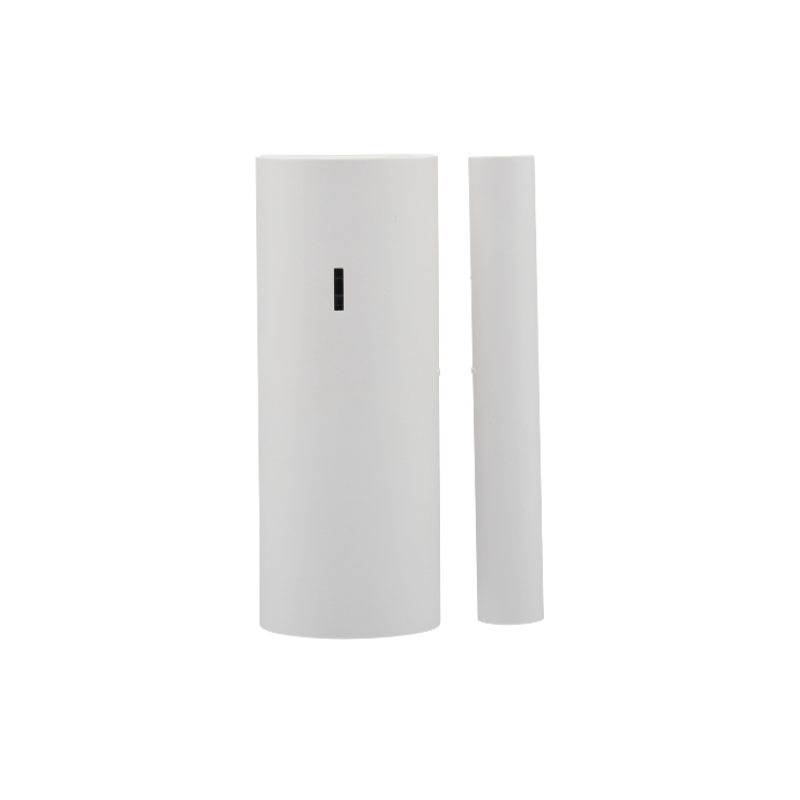
Description
Be more aware of what happens in your home
The door/window sensor is a basic building block of home security alarms. But it’s more than that. It’s a tool to monitor activity in your home. Used with Alarm.com’s sensor activity monitoring, this little device opens the door to a world of smart home applications.
Monitor everywhere
With extreme range roughly 4 times that of other sensors on the IQ Panel 2+, PowerG wireless sensors cover distant areas with no need for signal repeaters.
The fridge was left open
Be alerted when the refrigerator was left open. Or the basement door. Or the medicine cabinet. Get creative.
Why should I use PowerG sensors?
PowerG sensors work at longer distances and are more reliable, energy efficient, and secure than traditional security sensors. They even save you money in the long run. Learn more about PowerG
Don’t worry, this device integrates seamlessly
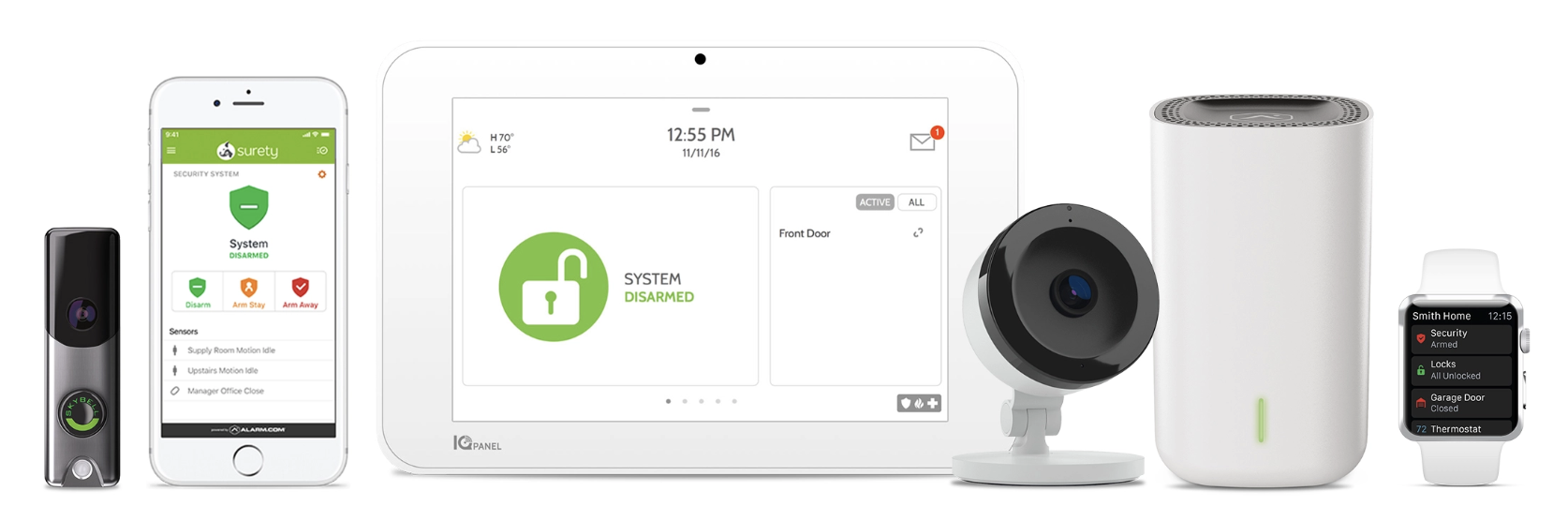
Surety is your connection to the award winning Alarm.com ecosystem, allowing you to use hundreds of best-in-class security and home automation devices from a single app that runs on almost anything. All that and the industry’s best customer service are why Surety is your home’s best friend.
Specs & Guides
- Model Number
- PGP9945E
- Manufacturer
- DSC
- Communication Protocol
- PowerG
- Battery
- 3V Lithium CR123A GP battery only
- Battery Life
- 8 years with typical use at room temperature 25°C (77°F) not evaluated by UL/ULC.
- Low Battery Threshold
- 2.5 V at room temperature 25°C (77°F)
- Nominal operating voltage
- 3 V
- Operating Temperature
- -10ºC (14°F) to 55ºC (131°F) UL/ULC only verified range: 0 ºC (32 ° F) to 49 ºC (120°F)
- Relative Humidity
- Up to 93% non-condensing
- Dimensions (LxWxD)
- 89 mm x 37 mm x 30 mm (3.5 in. x 1.5 in. x 1.2 in.)
- Weight (including battery)
- 53 g (1.9 oz)
- Auxiliary Input Cable Length
- 10 m max, 0.4 mm² (AWG22)
- Auxiliary Input EOL Resistor
- 5.6 KΩ
Plan Compatibility
| Alarm & Automation | ||
|---|---|---|
| Alarm | Home | |
| Cameras Only | ||
|---|---|---|
| Cam | Cam Plus | |
| Alarm, Automation & Cameras | |
|---|---|
| Protect | Complete |
Support
- Why isn’t my sensor working?
- The arrow on the magnet needs to be aligned with the ridge on the right side of the sensor.
Still have questions? We’ve got answers!
The Surety support forum is the #1 resource for answers to all your questions about setting up and using your sensors.
Find Answers