Description
Next-generation security, professionally monitored
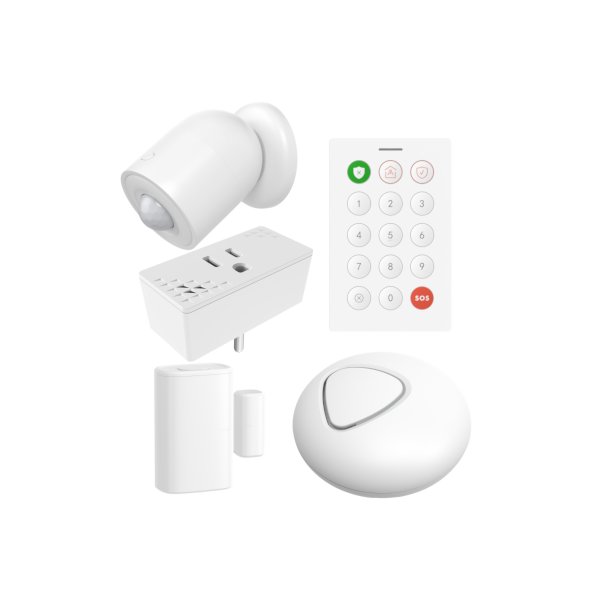
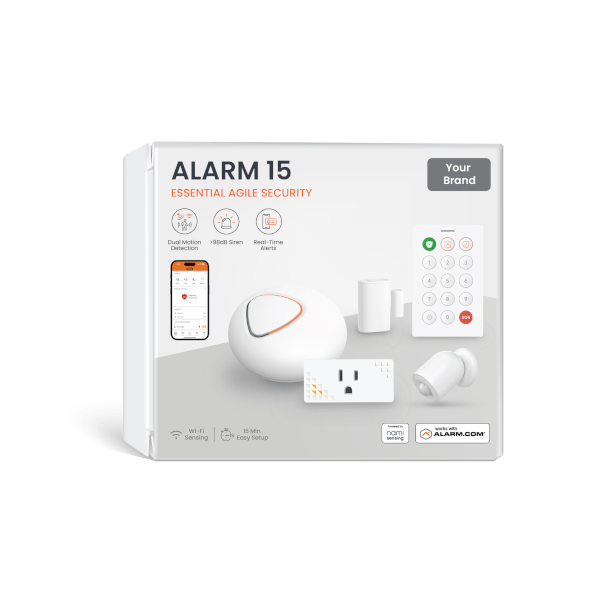
The nami Alarm 15 Starter Kit is a complete, self-installed security system built for apartments, small homes and offices. It pairs cutting-edge Wi-Fi sensing with traditional door and window security, all backed by 24/7 professional monitoring on the Alarm.com platform, the same platform licensed security dealers use to protect more than 10 million properties.
Wi-Fi sensing: a new way to detect motion
The Pod and Sensor Plug use Wi-Fi sensing, a technology that detects motion by reading disturbances in radio waves as people move through your home, rather than relying on heat like a traditional motion sensor. The kit still includes a classic PIR Motion Detector too, so you get the best of both worlds in corners, closets, and tight spaces where Wi-Fi coverage isn’t ideal. Learn more about how Wi-Fi sensing works.
Why Wi-Fi sensing is different
Because it isn’t heat-based, Wi-Fi sensing won’t false alarm from a heating vent or a sunbeam, and it’s better at telling pets apart from people. It also sees through walls, so a handful of sensors can cover an entire floor instead of just a single room, and unlike PIR sensors, it keeps working reliably even when the room gets close to body temperature. In recent testing, this approach cut non-human false alarms from over 60% to under 9%, while accurately recognizing humans more than 90% of the time.
Delightfully easy to install and use
There’s no panel to mount, no wires to run, and nothing to drill. Just plug The Pod into a standard outlet, connect it to your Wi-Fi, and add your Keypad, Sensor Plug, Motion Detector, and Door Sensor. Most customers are fully armed in under 30 minutes, with no contractor or technician needed.
The most affordable way onto Alarm.com
The nami Alarm 15 Starter Kit is the easiest and most cost-effective way to get a professionally monitored Alarm.com system, designed from the ground up for DIY installation. At $129, it’s a fraction of the cost of other Alarm.com-compatible systems.
What’s in the Box
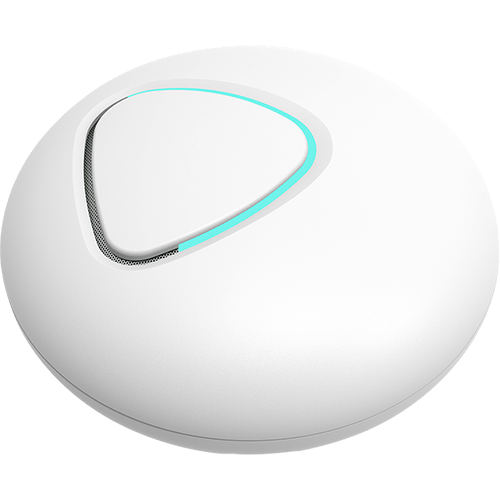
The Pod — hub, 85dB siren, and Wi-Fi motion sensor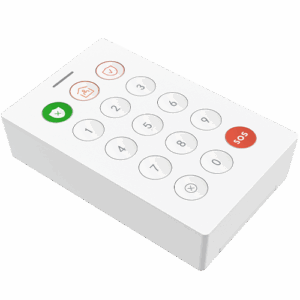
Keypad — local arm/disarm control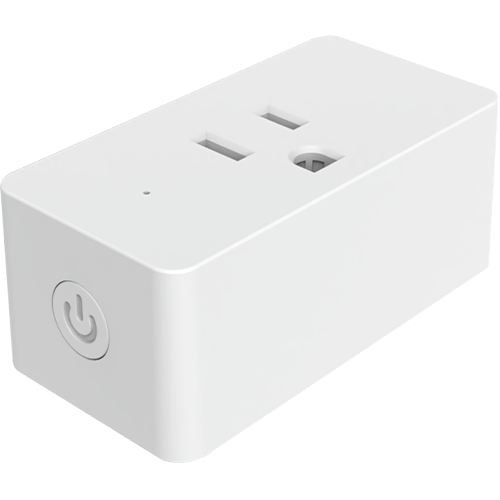
Sensor Plug — Wi-Fi motion sensing + smart outlet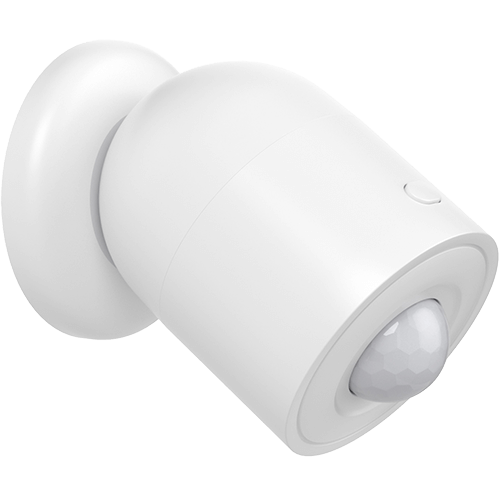
Motion Detector — traditional PIR sensing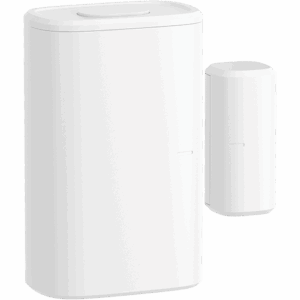
Door Sensor — adhesive door/window contact
Buy now, upgrade later for less
Later this year, nami is releasing the Pod Pro: an upgraded hub with an ethernet port and Alarm.com cellular dual-path, giving your system a live, independent cellular connection alongside your broadband at all times, so you stay armed and monitored even if the internet goes down. Buy your nami Alarm 15 Starter Kit now, and you’ll be able to upgrade to the Pod Pro for just $49 when it becomes available.
nami Alarm 15 Starter Kit Specs & Guides
- Manufacturer
- nami
- Part number
- NSB301-010
- Platform
- Alarm.com
- Connectivity
- 2.4GHz Wi-Fi, mesh networking between The Pod and Sensor Plug
- Sensing Technology
- Wi-Fi motion sensing, passive infrared (PIR) motion detection, and magnetic door/window contact
- The Pod
- Hub of the system with built-in 85dB siren, status indicator, and Wi-Fi motion sensor. Plugs into a standard wall outlet.
- Keypad
- Local arm/disarm control, wall-mountable or freestanding
- Sensor Plug
- Wi-Fi motion sensing combined with a smart, app-controlled outlet
- Motion Detector
- Passive infrared (PIR), for corners, closets, and areas without a nearby outlet
- Door Sensor
- Adhesive mount, no drilling required
- Installation
- Self-install, no wiring or professional installation required, typically under 30 minutes
- Warranty
- 1 year
- Box Contents
- The Pod (×1), Keypad (×1), Sensor Plug (×1), Motion Detector (×1), Door Sensor (×1)
Product Guides
Plan Compatibility
| Alarm & Automation | |
|---|---|
| Alarm | Home |
| Cameras Only | |
|---|---|
| Cam | Cam Plus |
| Alarm, Automation & Cameras | |
|---|---|
| Protect | Complete |
Support
- Do I need a Wi-Fi router to use the nami system?
- Yes. The Pod and Sensor Plug connect to your home’s 2.4GHz Wi-Fi network to communicate with Alarm.com and with each other, forming a mesh network for reliable coverage throughout your space.
Still have questions? We’ve got answers!
The Surety support forum is the #1 resource for answers to all your questions about setting up and using your nami system.
Find Answers